About MenuGaze - Digital Menu & QR Code Ordering for Restaurants
MenuGaze at a glance
04 — How it works
How It Works
Get your interactive menu up and running in minutes. No technical skills required.
Upload Your Photos
Simply upload photos of your menu items. Our drag-and-drop interface makes it quick and easy to add all your dishes.
Instant Professional Quality
Your photos are automatically enhanced for professional quality. With 3D Menu Pro, stunning 3D models are generated from your images.
Share Your QR Code
Generate a unique QR code for your menu. Customers scan it and instantly access your beautiful, interactive menu.
03 — The proof
Your phone photo. Your menu photo.
Drag the handle across the plate. On one side, the phone photo you already have. On the other, what your guests see after MenuGaze.
Regular vs 4K Food Photos
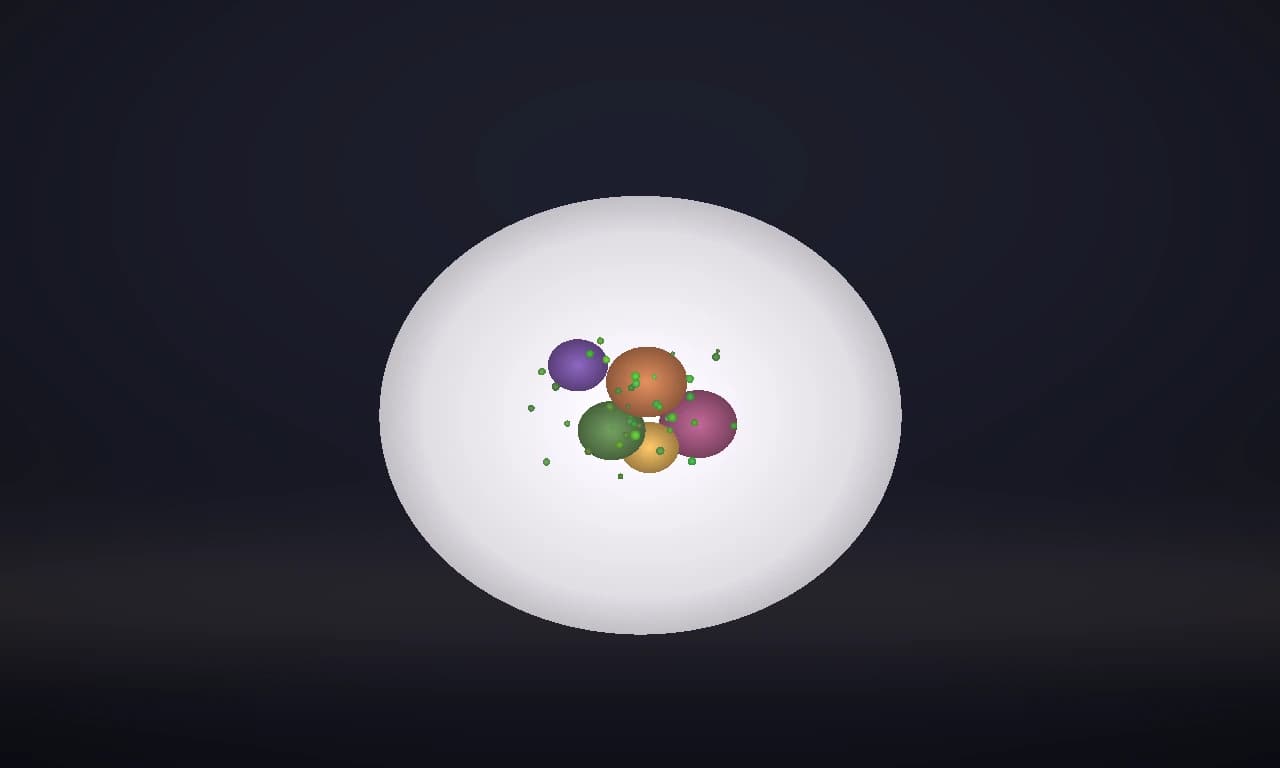
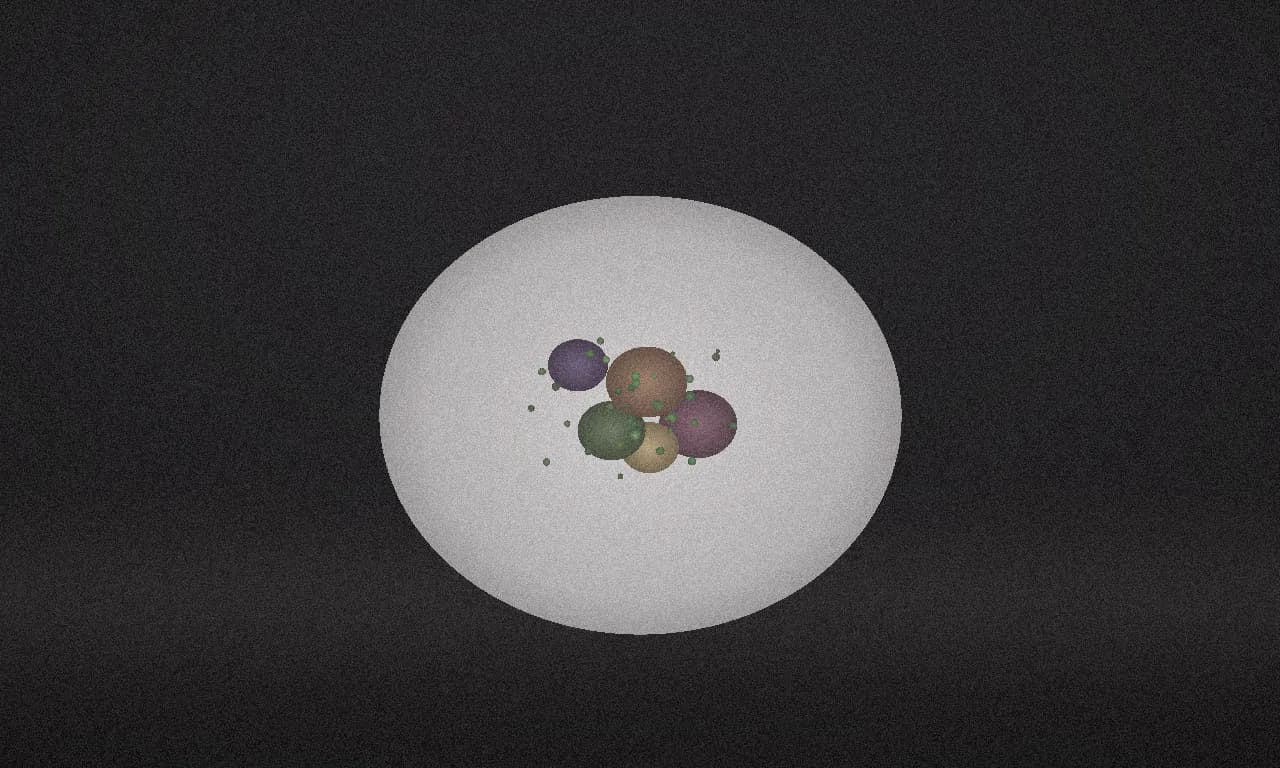
Scroll or drag to compare
01 — What your guests see
This is what your guests see.
They scan the table card and every dish opens in 4K, with the signature ones in 3D they can turn with a finger. No app to download.
Mario's Kitchen
Fine Dining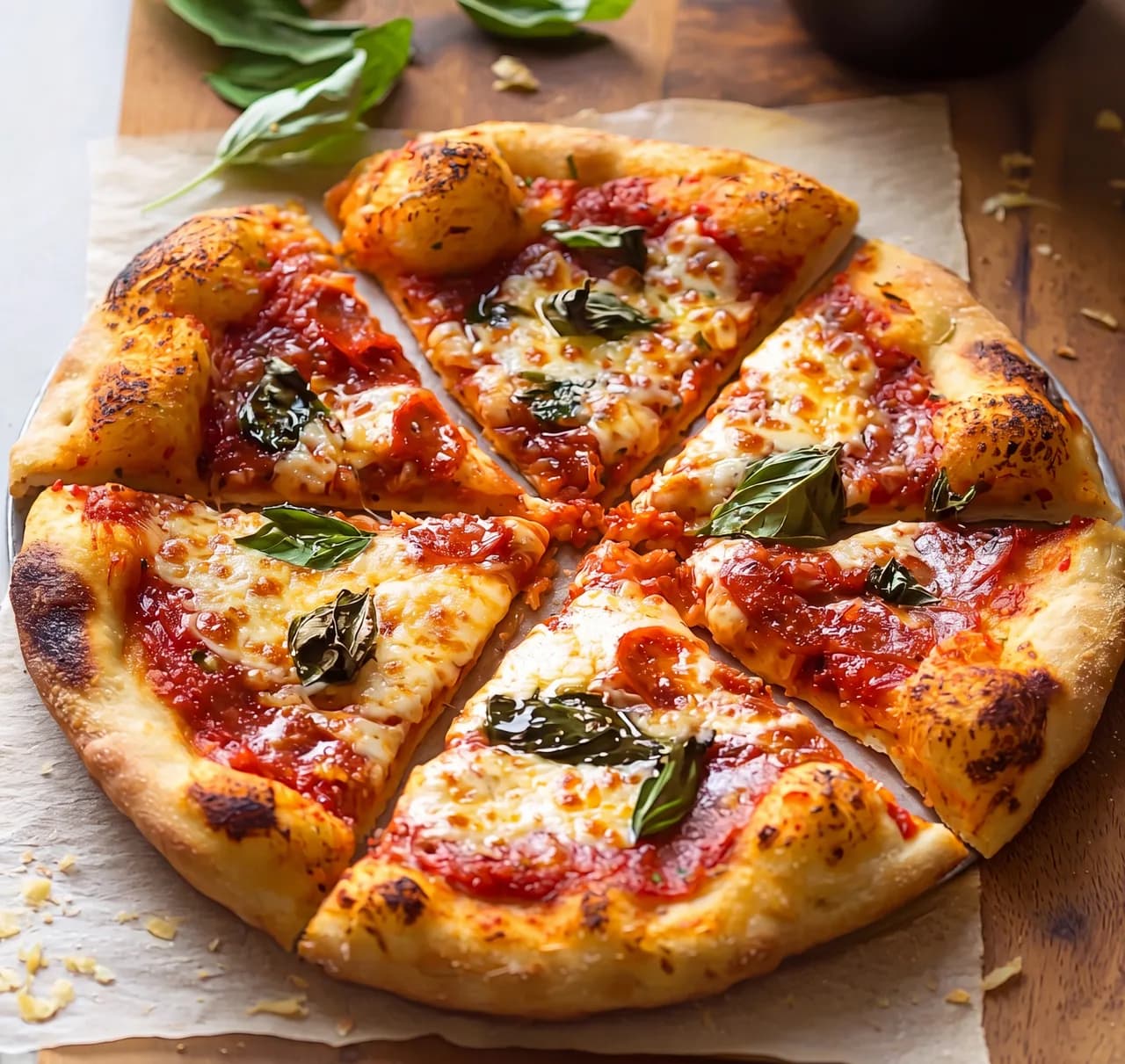
Margherita Pepperoni Pizza
Immersive 3D preview — rotate and explore every dish.
$21.50
Ready to Transform Your Menu?
Give your guests menus they can explore — stunning photos and interactive 3D models, live in minutes.